
The GitHub security advisory came through on a Friday morning, which is either the best or worst time to receive one depending on whether you have client workflows running in production. I had three. The CVE description was short and the CVSS score was 9.9, which is the kind of number that makes you put your coffee down and read the whole thing twice before you do anything else.
The vulnerability was a template injection flaw in n8n’s expression evaluation engine. The short version: if an attacker could get a malicious expression into a workflow — through a webhook payload, a form input, a connected data source, essentially anything that flows into a node that evaluates expressions — they could execute arbitrary code on the host machine. Not inside a sandbox. On the actual server. The one running Docker. The one with your credentials, your environment variables, your mounted volumes, your clients’ API keys sitting in n8n’s encrypted credential store.
Full control. That is not marketing language from a security vendor trying to sell you something. That is what a 9.9 means.
I want to be precise about what made this particularly bad for anyone self-hosting n8n, because the cloud version had already been patched before the advisory went public. Automatic updates. Done. If you are running n8n on their managed cloud, you probably did not notice this at all. If you are self-hosting on EC2 or a VPS somewhere with Docker Compose, you were exposed until the moment you pulled the new image and restarted your container, which you could only do after you knew the update existed, which depended on you having either good monitoring or good luck that Friday morning.
The advisory linked to a patched release. The fix was in the expression evaluation layer, restricting what could be accessed through the templating syntax. Fine. Good. Ship it. But the documentation around upgrading self-hosted instances was, as is a recurring theme with n8n’s ops documentation, written for someone who has already done it once. There is a note in the upgrade guide about backing up your database before pulling a new image. What the guide does not explain clearly is that if you are using SQLite rather than Postgres, your database file is inside the container’s filesystem by default unless you specifically configured a volume mount, which means if something goes wrong during the upgrade you may not have a backup of anything at all.
I had configured the volume mount correctly, because I had learned that lesson the hard way the first time a container restart wiped a workflow I had spent four hours debugging. But I know people in the n8n Discord who had not. One of them lost two weeks of workflow iteration after a botched upgrade on a different issue six months earlier. The security patch upgrade process worked fine, technically, for anyone whose infrastructure was set up correctly. For anyone running n8n the way the quickstart guide implies you can, with minimal configuration and an assumption that Docker will handle state, a forced urgent upgrade was a meaningful risk.
This is the thing that nobody in the self-hosting community talks about honestly enough. The cost of self-hosting n8n is not just the server bill. It is the operational surface area you are now responsible for. Credentials management, certificate renewal, database backups, version monitoring, security advisories. You have to be watching for all of it, all the time, because n8n’s team is not going to push an update to your EC2 instance. They will publish a release and an advisory and then it is on you.
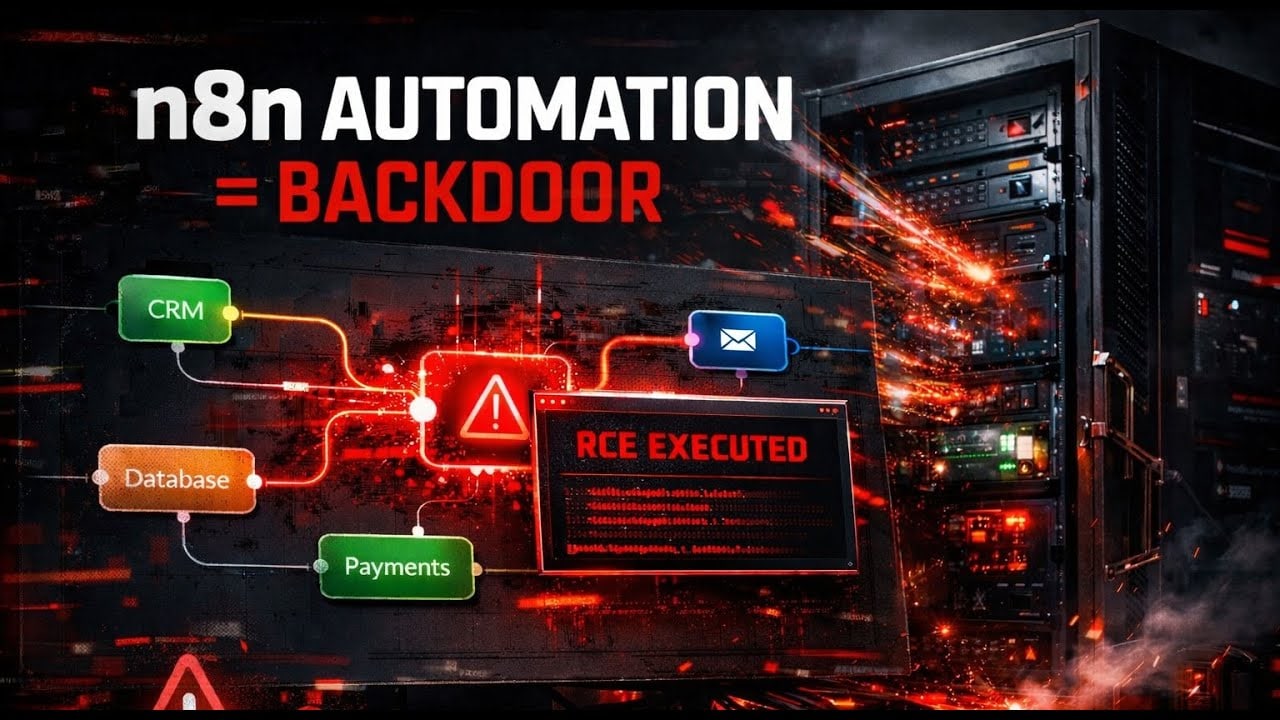
A 9.9 CVSS score on a self-hosted automation platform is not an abstract concern. Workflows routinely hold credentials to your clients’ CRMs, their email accounts, their Stripe accounts, their databases. An n8n instance is, by design, a hub of authenticated access to everything your automations touch. Which means a compromised n8n host is not just a compromised server. It is a compromised access layer for every external service you have ever connected. The attacker does not need to brute force your clients’ systems separately. They are already authenticated.
I patched all three instances within two hours of reading the advisory. Pulled the new image, checked the container logs, ran a test execution on each workflow, verified the expression evaluation was still working correctly for legitimate inputs. Everything came up clean. The patch was not disruptive once applied.
But I spent the next hour going through every workflow that accepted external input — anything with a Webhook node at the front, anything that ingested data from a form or an email or an API response — and auditing how that data was handled before it reached an expression. Because the patch fixes the vulnerability in the current version. It does not tell you whether someone already used it.
The honest position on self-hosting n8n is this: it is a better choice than Zapier for the right workload and the right operator, but the right operator is someone who treats it like infrastructure, not like software they installed once and left running. A 9.9 vulnerability that lives in the expression engine of a platform where expressions are everywhere is not a fringe edge case. It is a reminder that the server bill is the smallest part of what self-hosting actually costs.
If you are self-hosting n8n and you are not subscribed to their GitHub security advisories, stop what you are doing and fix that first.

Olaitan Oladipo holds a BSc in Sociology from Olabisi Onabanjo University. He is a self-taught automation builder who has spent years inside n8n doing the work that most tutorials skip: debugging OAuth errors at 2am, migrating client automations from Make.com mid-project, fighting reverse proxy misconfigurations on AWS EC2, and figuring out through trial and error what actually holds up in production versus what only looks clean in a demo.
He is not a developer by training and not a SaaS founder. He is the person in the Discord server who actually answers the question instead of linking to the docs.
His writing on n8n Automation Tutorial covers self-hosting, AI agent workflows, tool comparisons, and the security vulnerabilities the automation industry would rather not discuss. He has built AI-assisted invoice approval flows using OpenAI function calling, connected Claude via HTTP Request nodes, and holds considered opinions about Zapier, Make.com, LangChain, and CrewAI that their marketing teams would not appreciate.
He writes for people who are technical enough to follow a tutorial but experienced enough to want the honest version.