


I spent three hours last year trying to figure out why a client’s Stripe webhook was triggering a Slack notification nobody had set up and nobody could explain. The client had been on Make for two years and had accumulated sixty-four scenarios across four different teams. Nobody had a complete picture of what was connected to what. Make Grid, released to all paid users in May 2026, is the feature that would have saved those three hours.
Make Grid gives you a real-time map of every scenario, connection, and agent across your entire Make account. The visualization shows where bottlenecks form, which scenarios are outdated, and how workflows connect to each other and to external services. Make is positioning it as a governance layer for agentic automation, which is accurate framing for what it actually does.
The fact that Make needed to build this tells you something specific about what Make deployments look like at scale. When a platform has to ship a dedicated tool so users can see what their own account is doing, the complexity is no longer optional. Make’s scenario-based architecture encourages building in isolation, and enough isolated scenarios create a landscape nobody can read without a map.
I got access to Make Grid through a client account this month and tested it against a workspace with forty-plus active scenarios. The visualization loaded cleanly and the connection graph was accurate for standard webhook-to-module flows. It missed two scenarios that were triggered via the Make API rather than through the standard UI scheduler. Those scenarios existed in the account and ran correctly, but Grid treated them as disconnected from the main dependency graph.
The Make Grid documentation says it maps all connections across your workspace in real time. The fine print clarifies that connections made through legacy API triggers may not appear in the current version. That clarification is not in the main feature announcement and I found it only by checking the changelog entry for a May 2026 workspace update.
The bottleneck detection in Make Grid is the part I find most practically useful. It surfaces scenarios where execution time has increased significantly over the past thirty days, which is exactly the data you need to catch a degrading integration. That kind of performance trend is invisible in Make’s standard execution log unless you are manually comparing execution times across dates.

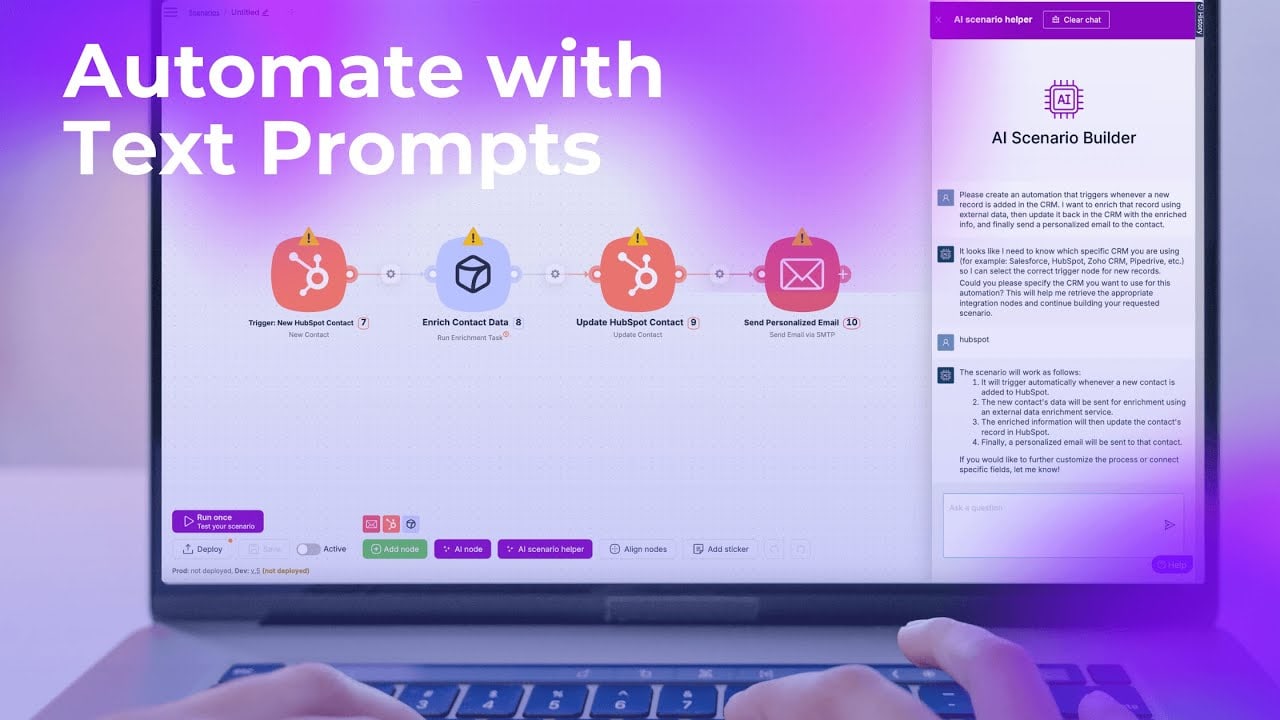
The outdated scenario detection flags scenarios that have not been edited or triggered recently. In practice, this surfaces the automation debt that accumulates in any long-running Make account. Old scenarios with broken connections or deprecated API endpoints are a real maintenance cost, and most teams have no clean way to find them.
In n8n, there is no native equivalent to Make Grid, and I want to be honest about that rather than pretend otherwise. What n8n gives you instead is a flat list of workflows with tags, folders, and an execution log that covers the full instance. For large deployments, I have built a monitoring workflow that queries the n8n API and posts a daily summary to a Slack channel. It is not a visual dependency graph, but it tells me what ran, what failed, and what has not run in thirty days.
The governance problem Make Grid addresses is not specific to Make. Any automation stack that grows past twenty or thirty active workflows develops the same visibility problem regardless of which platform it runs on. The difference is that Make built a native tool for it, while n8n builders are currently solving it with API queries and custom dashboards.
Make’s framing of Grid as a governance layer for agentic automation is worth taking seriously. As workflows become more agent-driven and less linear, the connections between them become harder to reason about from inside any single scenario. A map that shows agent dependencies and data flow across an entire account is genuinely useful infrastructure as that complexity increases.
Make Grid is a real solution to a real problem, and the problem it solves is partly one that Make’s own architecture created. If your n8n deployment has grown past the point where you know every workflow, build your monitoring layer before you need it, not after.


Olaitan Oladipo holds a BSc in Sociology from Olabisi Onabanjo University. He is a self-taught automation builder who has spent years inside n8n doing the work that most tutorials skip: debugging OAuth errors at 2am, migrating client automations from Make.com mid-project, fighting reverse proxy misconfigurations on AWS EC2, and figuring out through trial and error what actually holds up in production versus what only looks clean in a demo.
He is not a developer by training and not a SaaS founder. He is the person in the Discord server who actually answers the question instead of linking to the docs.
His writing on n8n Automation Tutorial covers self-hosting, AI agent workflows, tool comparisons, and the security vulnerabilities the automation industry would rather not discuss. He has built AI-assisted invoice approval flows using OpenAI function calling, connected Claude via HTTP Request nodes, and holds considered opinions about Zapier, Make.com, LangChain, and CrewAI that their marketing teams would not appreciate.
He writes for people who are technical enough to follow a tutorial but experienced enough to want the honest version.


