


Zapier and IFTTT are both no-code automation platforms that connect apps through trigger-action workflows. Zapier connects over 9,000 business apps, supports multi-step workflows and conditional logic, and starts at $19.99 per month on paid plans. IFTTT connects 800+ services and devices, targets personal and smart home automation, and costs $2.99 per month on its Pro plan. The 2 platforms serve different audiences and are rarely direct competitors.
For related reading, see What Is Zapier? The No-Code Automation Platform That Connects 9,000+ Apps.
What Is the Difference Between Zapier and IFTTT?
Zapier is a business automation platform. IFTTT is a consumer and smart home automation platform. The core difference is audience and complexity, not concept. Both use trigger-action logic. Zapier supports multi-step workflows, conditional branching, filters, and AI orchestration. IFTTT supports simple 1-trigger, 1-action automations called Applets, with limited multi-action support on paid plans.
IFTTT was founded in 2010, one year before Zapier. IFTTT named its logic model in its own title: If This, Then That. Zapier named its automations Zaps.
How Do Zapier and IFTTT Compare on Features?
Zapier has more features than IFTTT across every dimension relevant to business use: workflow complexity, conditional logic, app depth, and AI capabilities.
| Feature | Zapier | IFTTT |
|---|---|---|
| Workflow model | Trigger + multiple actions | Trigger + 1 action (Pro: multi-action) |
| Conditional logic (Paths) | Yes | No |
| Filters | Yes | No |
| AI features | Yes (Copilot, Agents, MCP, Chatbots) | No (as of March 2026) |
| Smart home / IoT support | No | Yes |
| Mobile app | No (web only) | Yes (iOS and Android) |
| Developer tools | Free on all plans | Paid plans only |
| Task / run billing | Task-based | Unlimited runs per Applet |
| App library | 9,000+ | 800+ services and devices |
Does IFTTT Support Multi-Step Workflows?
IFTTT supports multi-action Applets on Pro and Pro+ plans only, and does not support conditional logic or branching at any tier. A team that needed to route Applets differently based on data values, for example posting to Twitter only if an Instagram caption contained specific keywords, cannot do that in IFTTT. That case requires Zapier's Paths feature, Make, or a similar platform.
Does IFTTT Have AI Features?
IFTTT has no AI-powered workflow features as of March 2026. Applet creation follows manual configuration. Zapier added AI features starting in 2023 and expanded them through 2025 and 2026, including Copilot (builds Zaps from natural language), Zapier Agents (autonomous AI workers), Zapier Chatbots, and Zapier MCP (connects AI models directly to apps).
How Do Zapier and IFTTT Compare on Pricing?
IFTTT is significantly cheaper than Zapier. IFTTT Pro costs $2.99 per month. Zapier's Professional plan costs $19.99 per month, billed annually.
| Plan | Zapier | IFTTT |
|---|---|---|
| Free | 100 tasks/month, 2-step Zaps, 1 user | 2 Applets, 60-minute polling, single-action |
| Entry paid | $19.99/month (750 tasks, multi-step) | $2.99/month (20 Applets, multi-action) |
| Mid tier | $69/month (2,000 tasks, team features) | $8.99/month (unlimited Applets, webhooks) |
| Enterprise | Custom | Not available |
IFTTT's run model differs fundamentally from Zapier's task model. IFTTT does not cap the number of times an Applet executes. Zapier counts every successfully completed action as 1 task. A 5-step Zap running 200 times per month consumes 1,000 tasks. IFTTT does not apply equivalent counting. For high-frequency simple automations, IFTTT's unlimited runs provide better cost efficiency. For complex multi-step workflows, Zapier's task model is the industry standard.
What Is IFTTT's Free Plan?
IFTTT's free plan includes 2 active Applets, single-action automations only, 60-minute polling intervals, and access to the full 800+ service directory. The 60-minute polling interval means triggers are checked hourly, making the free tier unsuitable for time-sensitive automations. Most personal users upgrade to Pro at $2.99 per month for 20 Applets and faster polling.
What Is Zapier's Free Plan?
Zapier's free plan includes 100 tasks per month, 2-step Zaps (1 trigger, 1 action), 1 user, unlimited Zap creation, Tables, Forms, and a 15-minute polling interval. The free plan is a testing and prototyping environment. A basic Zap running once per day consumes 30 tasks per month, leaving room for 3 simple automations. Multi-step workflows require a paid plan.
How Do Zapier and IFTTT Compare on App Integrations?

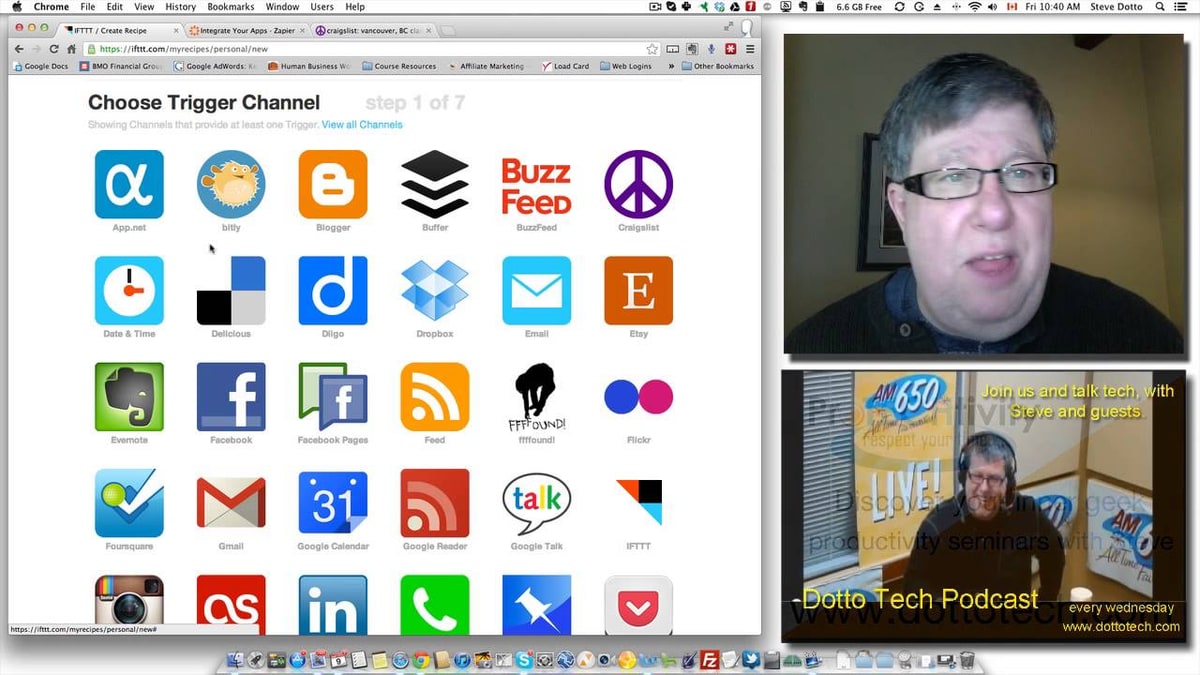
Zapier connects 9,000+ business and SaaS apps. IFTTT connects 800+ services and devices, including consumer hardware that Zapier does not support.
Zapier's library covers CRM platforms, email marketing tools, project management software, payment processors, communication tools, and AI services. Every major B2B SaaS product has a Zapier integration. IFTTT's library covers consumer apps, social media platforms, and IoT hardware. Examples include:
- Smart home devices: Philips Hue, Nest, Ring, Samsung SmartThings, Sonos, LIFX, Ecobee
- Phone-based triggers: location, battery level, call logs, notification triggers
- Consumer services: weather alerts, RSS feeds, social media cross-posting, email digests
Does IFTTT Support Smart Home Devices?
IFTTT is the leading automation platform for smart home and IoT device integration. Zapier provides no smart home or IoT device support. Users managing home lighting, thermostats, security cameras, or voice assistant routines use IFTTT, Apple HomeKit, Google Home Routines, or Amazon Alexa routines, not Zapier.
When Should You Use Zapier vs IFTTT?
Use Zapier for business workflows. Use IFTTT for personal productivity and smart home automation.
Use Zapier when:
- Automating tasks across business apps such as CRM, email marketing, project management, or invoicing
- Building multi-step workflows that require filters, conditional logic, or data formatting
- Running automations that affect multiple team members or departments
- Connecting apps that require webhooks or premium integrations
- Adding AI-powered steps to automated workflows
Use IFTTT when:
- Controlling smart home devices or IoT hardware
- Setting up phone-based triggers (location, calls, battery)
- Automating simple social media cross-posting or notification tasks
- Running low-frequency personal automations at minimal cost
- Needing a mobile-first automation experience
What Are the Best Alternatives to Zapier and IFTTT?
The 4 most searched alternatives to Zapier are Lindy, Workato, MuleSoft, and UiPath. Each targets a different segment of the automation market.
How Does Lindy Compare to Zapier?
Lindy is an AI personal work assistant, not a direct Zapier replacement. Lindy lets individual users delegate tasks including inbox management, email writing, meeting scheduling, and note-taking via iMessage or SMS. Lindy costs $49 per month for 5,000 AI tasks, compared to Zapier's $49-per-month equivalent for 2,000 workflow tasks. Lindy is suited to individuals who want an AI assistant managing personal productivity tasks. Zapier is suited to teams automating data flows across business applications at scale.
How Does Workato Compare to Zapier?
Workato is an enterprise-grade automation and integration platform that targets mid-to-large organizations with IT compliance requirements. Workato does not publish pricing. It requires a custom sales quote based on usage, features, and volume. Workato is used by companies running SAP, Salesforce, Workday, and NetSuite, where enterprise-level data governance, audit trails, and HIPAA compliance are required. Workato processed Shopify-NetSuite syncs 3.2 times faster than Zapier at 98.7% reliability in a 2025 benchmark published by Data Made Eazy. Zapier is suited to SMBs and digital teams. Workato is suited to enterprises with technical operations staff and large compliance requirements.
How Does MuleSoft Compare to Zapier?
MuleSoft is a Salesforce-owned API management and integration platform designed for IT teams handling complex enterprise and legacy system connections. MuleSoft requires developer-level skills. It is used for ERP integrations, legacy system connectivity, and API lifecycle management across large organizations. Zapier requires no coding and targets business users. MuleSoft is not a consumer or SMB tool. It occupies a different segment: developer-built enterprise API infrastructure rather than no-code workflow automation.
How Does UiPath Compare to Zapier?
UiPath is a Robotic Process Automation (RPA) platform that automates UI actions in desktop and on-premise software, while Zapier automates cloud-to-cloud API connections. UiPath uses software robots to interact with desktop applications, including legacy systems that have no API, by mimicking human mouse clicks and keyboard inputs. Zapier connects cloud apps through their APIs and cannot automate on-premise or non-API software. A company using both Zapier and UiPath covers 2 different automation categories: cloud workflow automation (Zapier) and desktop process automation (UiPath).
Which Tool Should You Choose?
The decision between Zapier, IFTTT, and the alternatives reduces to 4 variables: user type, workflow complexity, app environment, and budget.
| Use Case | Best Tool |
|---|---|
| Business SaaS workflow automation | Zapier |
| Personal and smart home automation | IFTTT |
| AI personal assistant for individuals | Lindy |
| Enterprise SaaS integration with compliance | Workato |
| Enterprise API management and legacy systems | MuleSoft |
| Desktop and on-premise RPA | UiPath |
| High-volume affordable automation | Make (n8n for developers) |


Olaitan Oladipo holds a BSc in Sociology from Olabisi Onabanjo University. He is a self-taught automation builder who has spent years inside n8n doing the work that most tutorials skip: debugging OAuth errors at 2am, migrating client automations from Make.com mid-project, fighting reverse proxy misconfigurations on AWS EC2, and figuring out through trial and error what actually holds up in production versus what only looks clean in a demo.
He is not a developer by training and not a SaaS founder. He is the person in the Discord server who actually answers the question instead of linking to the docs.
His writing on n8n Automation Tutorial covers self-hosting, AI agent workflows, tool comparisons, and the security vulnerabilities the automation industry would rather not discuss. He has built AI-assisted invoice approval flows using OpenAI function calling, connected Claude via HTTP Request nodes, and holds considered opinions about Zapier, Make.com, LangChain, and CrewAI that their marketing teams would not appreciate.
He writes for people who are technical enough to follow a tutorial but experienced enough to want the honest version.


