
The AI Agent node ran for eleven minutes before I noticed it had been calling the same tool in a loop. Not erroring. Not timing out. Just calling get_invoice_data with the same invoice_id on every iteration, receiving the same response, and deciding each time that it needed more information before it could make an approval decision. The execution log was scrolling. The OpenAI API was billing me by the token. The workflow status showed as running and nothing in the n8n interface flagged this as a problem, because from the system’s perspective it was not a problem. An agent was using a tool. That is what agents do.
I killed it at iteration 34. The invoice had a null value in the tax_amount field where the prompt expected a number, and the agent had no instruction for what to do with null, so it kept asking the same question hoping for a different answer. Thirty-four times. In eleven minutes.
I want to be clear about why I am starting here, because the headline on this piece is the kind of thing that gets written when someone has watched an AI agent demo work correctly and decided that is the normal state of affairs. It is not. The normal state of affairs is that an agent works correctly in testing because your test data is clean, and then encounters something unexpected in production and either fails in an obvious way that you can debug, or fails in a quiet way that costs you money or takes actions you did not intend. The question of which one you get depends almost entirely on how carefully you designed the failure paths, which is not something the AI Agent node documentation spends much time on.
Here is what the n8n AI Agent node actually does well. It wraps an LLM call in a loop that can invoke other n8n nodes as tools, which means you can give an agent the ability to query a database, send a Slack message, call an HTTP endpoint, or run a sub-workflow, and it will decide when and whether to use those tools based on what you have put in the system prompt. For a specific category of problem, this is genuinely useful. I built an invoice approval flow where the agent could query a Postgres database to check a vendor’s payment history, call an HTTP Request node to pull the current contract terms from an internal API, and then produce a structured recommendation with a confidence score. Compared to building that same logic as a deterministic workflow with a dozen IF nodes and a Code node for the scoring function, the agent approach was faster to build and easier to modify when the client changed what they wanted to check.
But the agent did not make human oversight obsolete. It moved the oversight one level up the stack. Instead of reviewing individual workflow decisions, someone now reviews the cases where the agent’s confidence score fell below a threshold, and the cases where it returned an error, and the cases where it said it was confident and was wrong, which happens and which you discover by auditing a sample of its approved decisions periodically. That is still human oversight. It is just less frequent oversight over more consequential decisions, which is a trade-off worth thinking about carefully rather than celebrating.
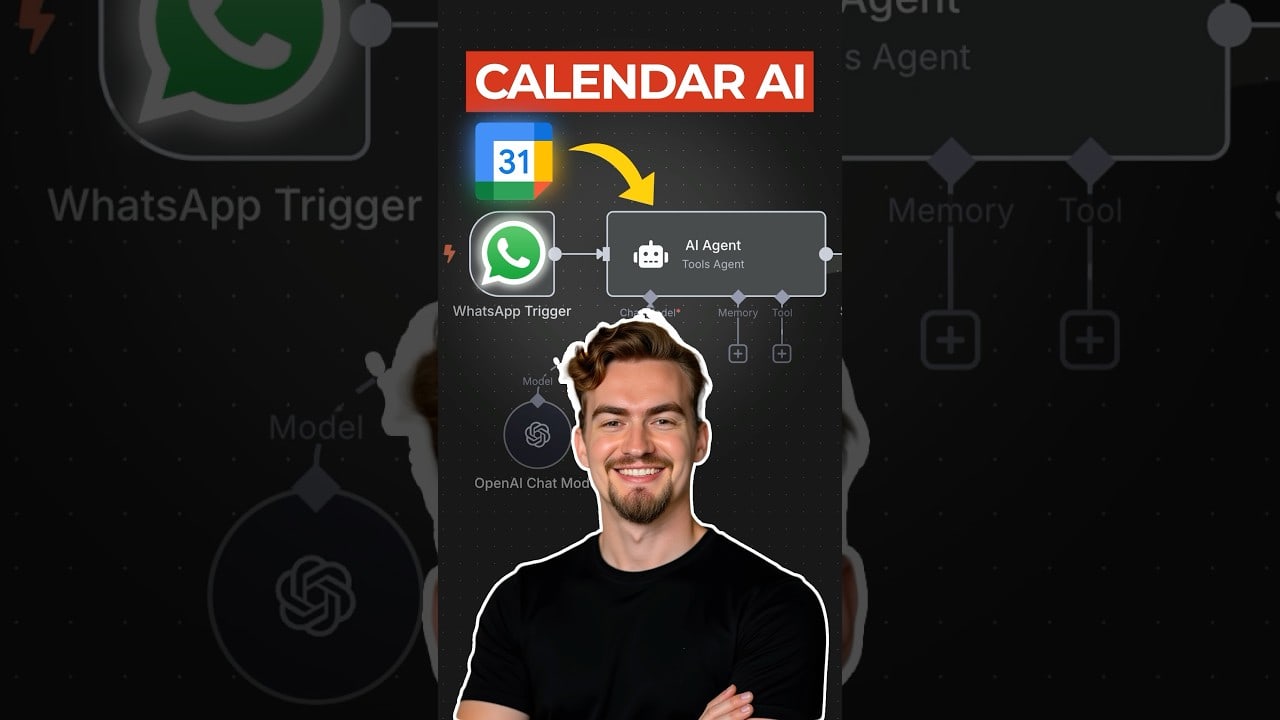
The documentation problem I ran into, and this cost me several hours, is that the AI Agent node’s tool definitions do not behave the same way as OpenAI function calling when the tool returns an error. The docs describe how to add tools to the agent and what the agent will do when a tool succeeds. What they do not describe is what happens when a tool node throws an error mid-execution. My expectation, based on how OpenAI handles tool errors in function calling, was that the error would be returned to the agent as a tool result and the agent could decide what to do with it. That is not what happens. The workflow throws an exception and the agent execution stops. I found this out in production when one of my HTTP Request tools got a 429 from a rate-limited API, and instead of the agent handling that gracefully, the entire execution failed with an error that said nothing useful about which tool had failed or why. The fix was to wrap every tool sub-workflow in a try-catch equivalent using n8n’s error handling, which works but is not mentioned anywhere in the AI Agent documentation as a required pattern.
LangChain, to compare it to something, would have let me handle this more explicitly because the tool definition includes error handling as a first-class concern. The reason I am not using LangChain is that LangChain in production is a dependency management exercise that I do not want to do for client workflows. Every demo I have seen of multi-agent LangChain systems works until something in the chain fails and the error propagation becomes a debugging problem that requires understanding five different abstraction layers. n8n’s agent implementation is simpler, more constrained, and for that reason more predictable in the ways that matter when a client is depending on it.
The honest position on AI agents in n8n is this: they are a genuine capability improvement for a specific class of problem, they require more careful failure mode design than a deterministic workflow, and anyone selling you the idea that they reduce the need for human oversight is describing a demo environment, not a production one.
The dashboard you actually need is the one that tells you when the agent stopped doing what you thought it was doing.

Olaitan Oladipo holds a BSc in Sociology from Olabisi Onabanjo University. He is a self-taught automation builder who has spent years inside n8n doing the work that most tutorials skip: debugging OAuth errors at 2am, migrating client automations from Make.com mid-project, fighting reverse proxy misconfigurations on AWS EC2, and figuring out through trial and error what actually holds up in production versus what only looks clean in a demo.
He is not a developer by training and not a SaaS founder. He is the person in the Discord server who actually answers the question instead of linking to the docs.
His writing on n8n Automation Tutorial covers self-hosting, AI agent workflows, tool comparisons, and the security vulnerabilities the automation industry would rather not discuss. He has built AI-assisted invoice approval flows using OpenAI function calling, connected Claude via HTTP Request nodes, and holds considered opinions about Zapier, Make.com, LangChain, and CrewAI that their marketing teams would not appreciate.
He writes for people who are technical enough to follow a tutorial but experienced enough to want the honest version.